
Parts Needed
Choose your route: preorder a complete kit, or source your own parts using the guide below.
Source parts
Gather one kit using the links below.
Preorder a kit
First batch in preparation (contact us for current timing).
Receive the parts, then build the kit yourself.
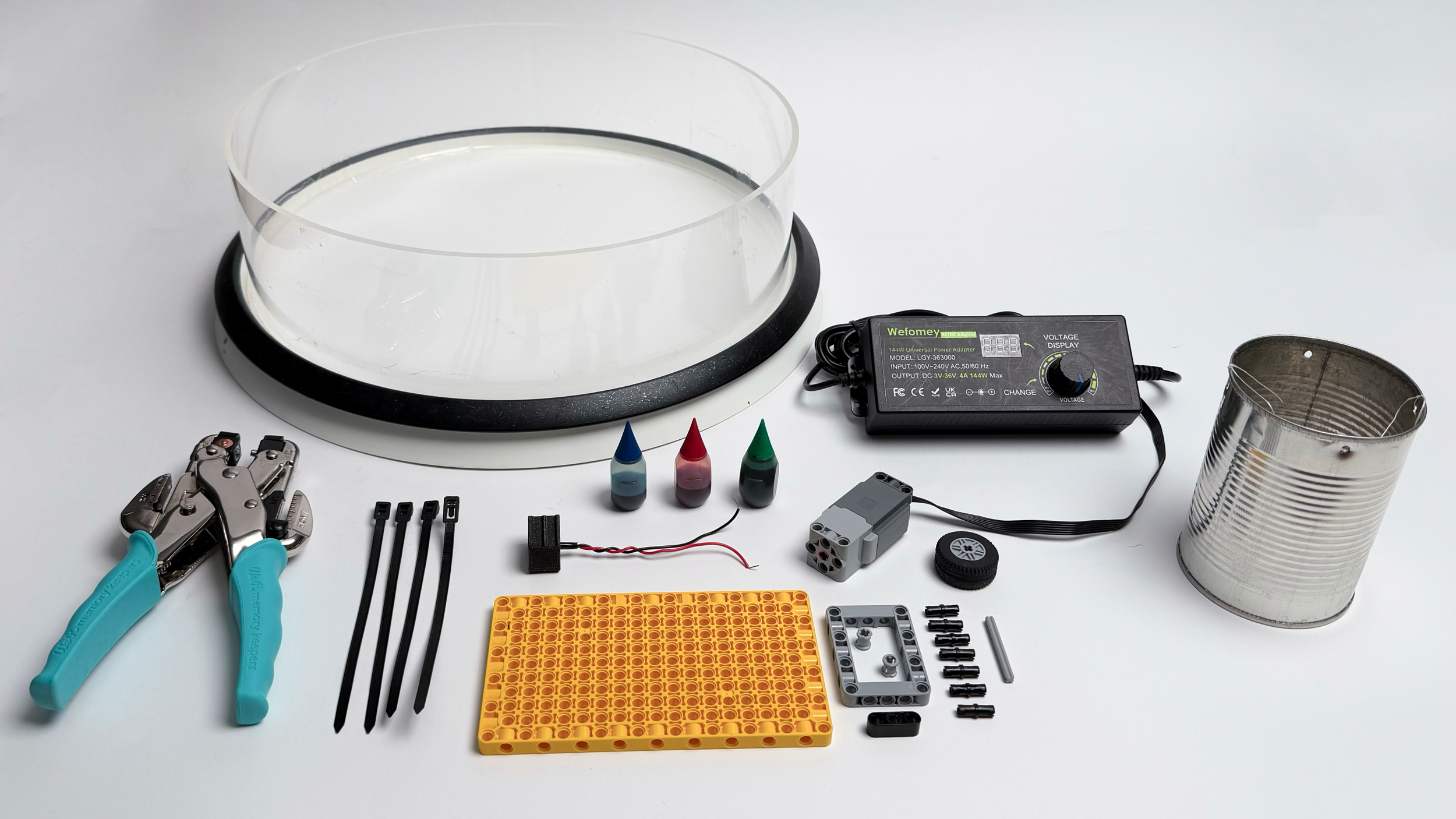
This DIYnamics kit contains everything you need to build your first DIYnamics kit! Order contains all required parts listed under “Order Yourself” page to build one kit.
Order Parts Yourself
Instead of ordering a kit from us, use this 4-step guide to ordering each part individually.
Parts & Equipment
Order the main setup components from Amazon, including the tank, turntable, power supply, and other required equipment.
View Parts & EquipmentLEGO Parts
Order the LEGO pieces through Pick a Brick, then purchase the Technic motor separately.
View LEGO PartsPlug Adapter
Choose either to order the plug adapter directly or use the provided files to 3D print your own.
View Plug AdapterOther Items
Common household items that you may already have, plus optional tools that can improve setup and recording.
View Items
Parts and Equipment
Use the Amazon shopping list to source one tank, one OXO turntable, one compatible power supply and four ties. A tested hole punch is also needed. Check current availability.
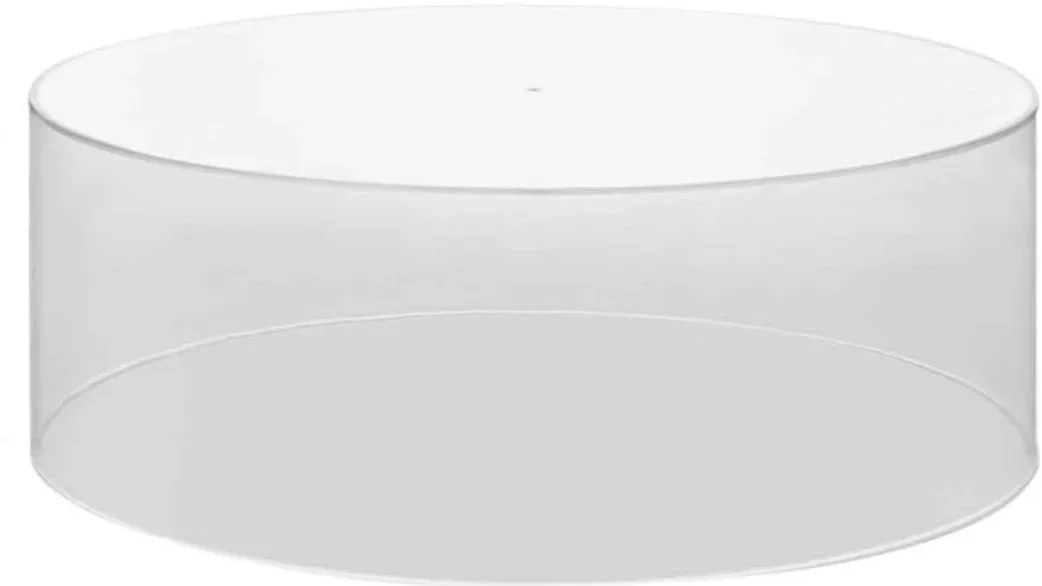
Plastic Tank

OXO Turntable
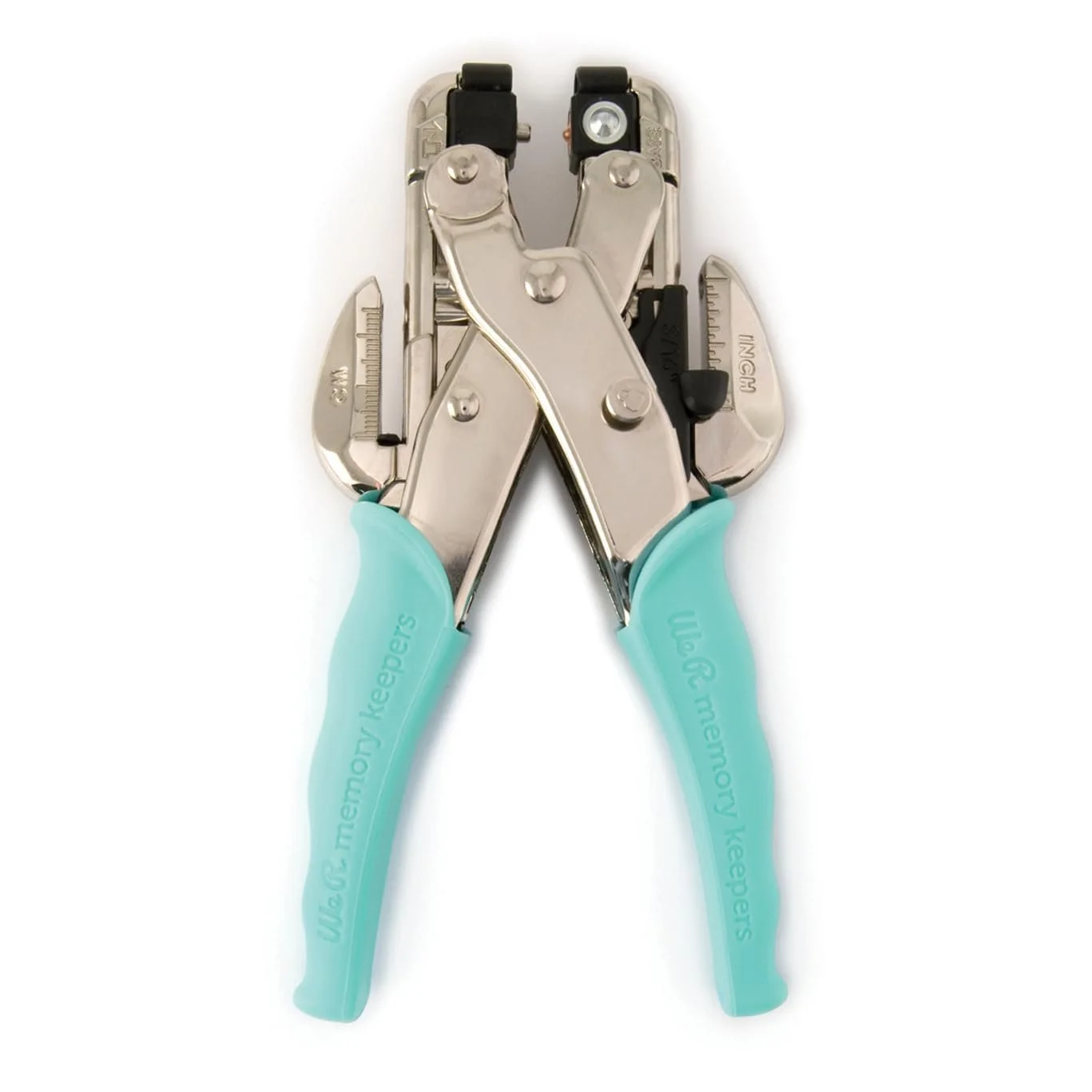
Heavy-Duty Hole Punch
Only needed once during assembly
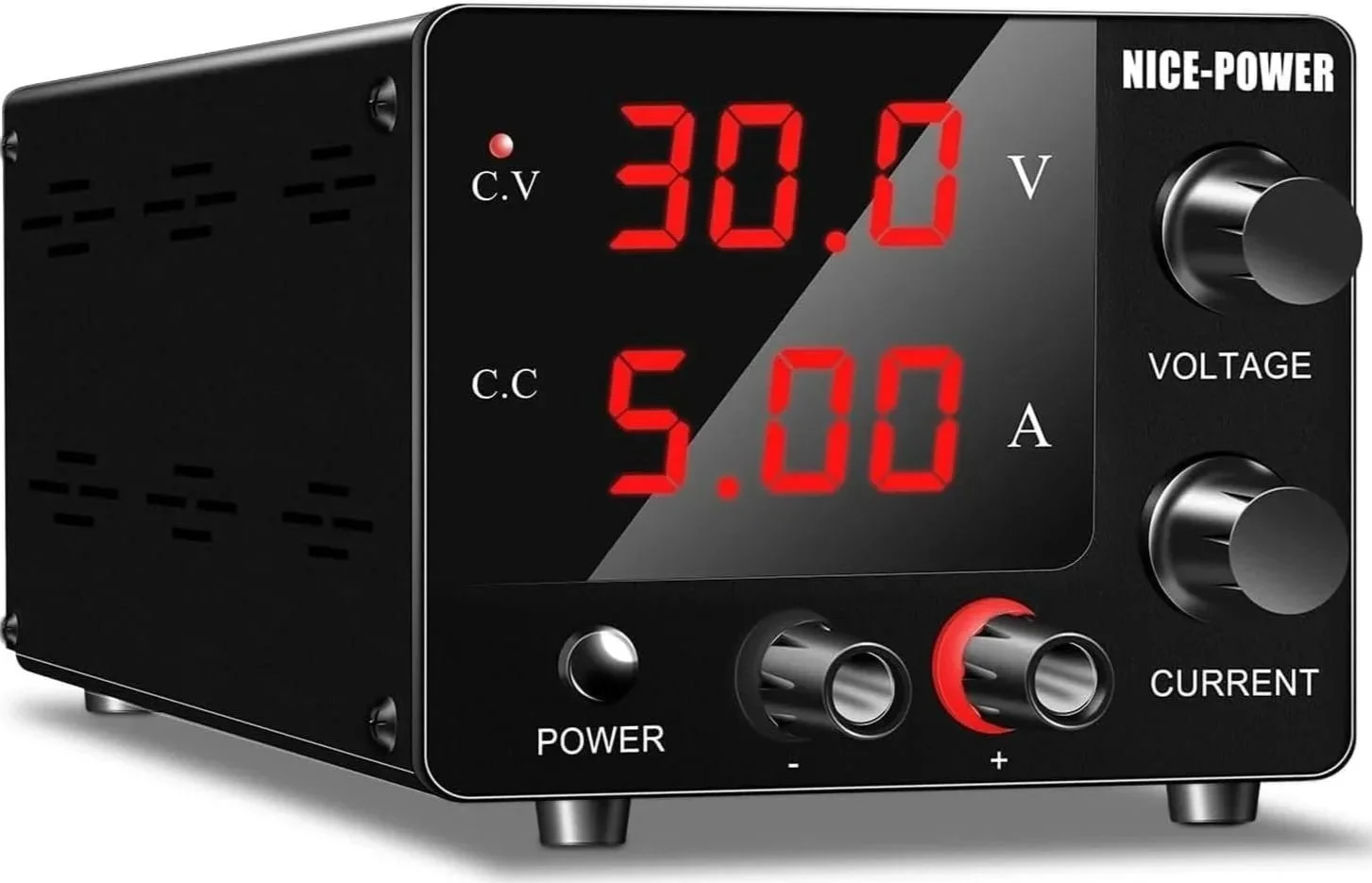
Power Supply
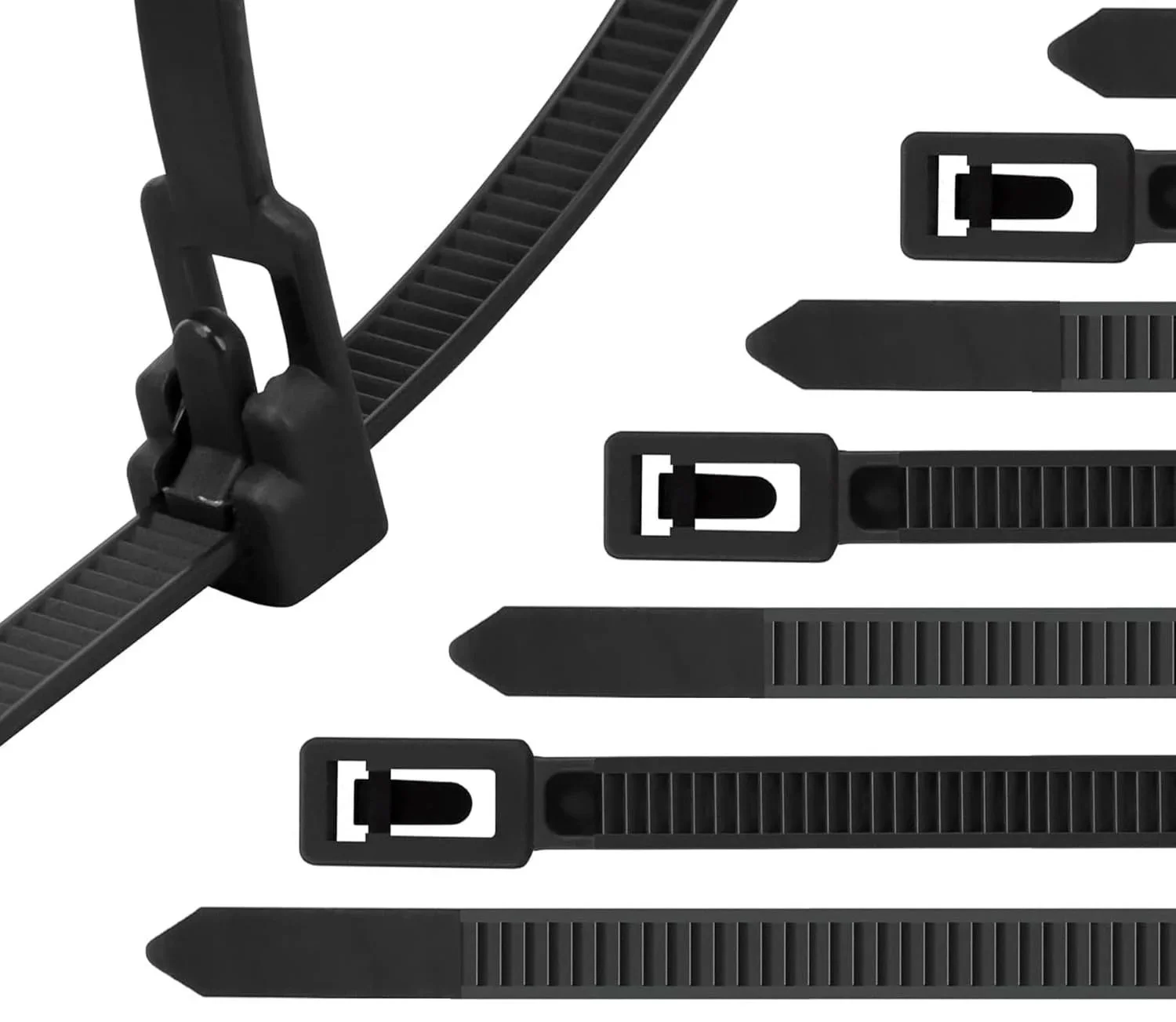
Reusable Zip-Ties
Shopping-list items may change. Confirm quantities and specifications before checkout.
Cost estimates are being updated. Check current supplier prices, shipping and availability before ordering.
2. LEGO Parts
Use the one-kit Pick-a-Brick CSV, then source the motor 88013 and the 11 × 19 panel (design 39369) separately. Neither the motor nor the panel is included in the CSV. Review every row in LEGO’s upload preview before purchasing.
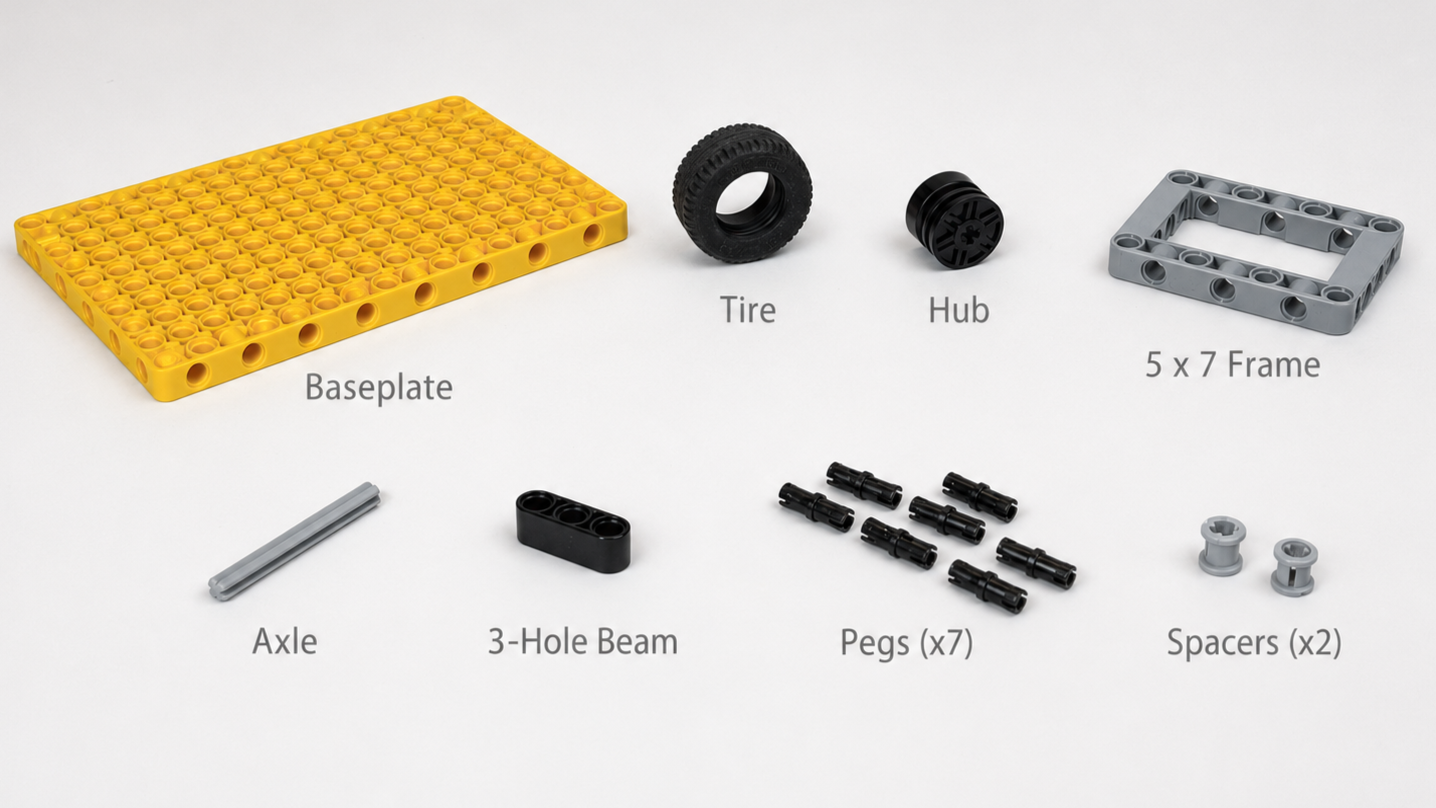
LEGO parts to order from LEGO Pick-a-Brick:
Pick-a-Brick Step-by-Step:
Download Pick-a-Brick CSV
Open Pick-a-Brick
LEGO pricing varies. Budget separately for the Pick-a-Brick pieces, motor and 11 × 19 panel.
Not Included in Pick-a-Brick list:
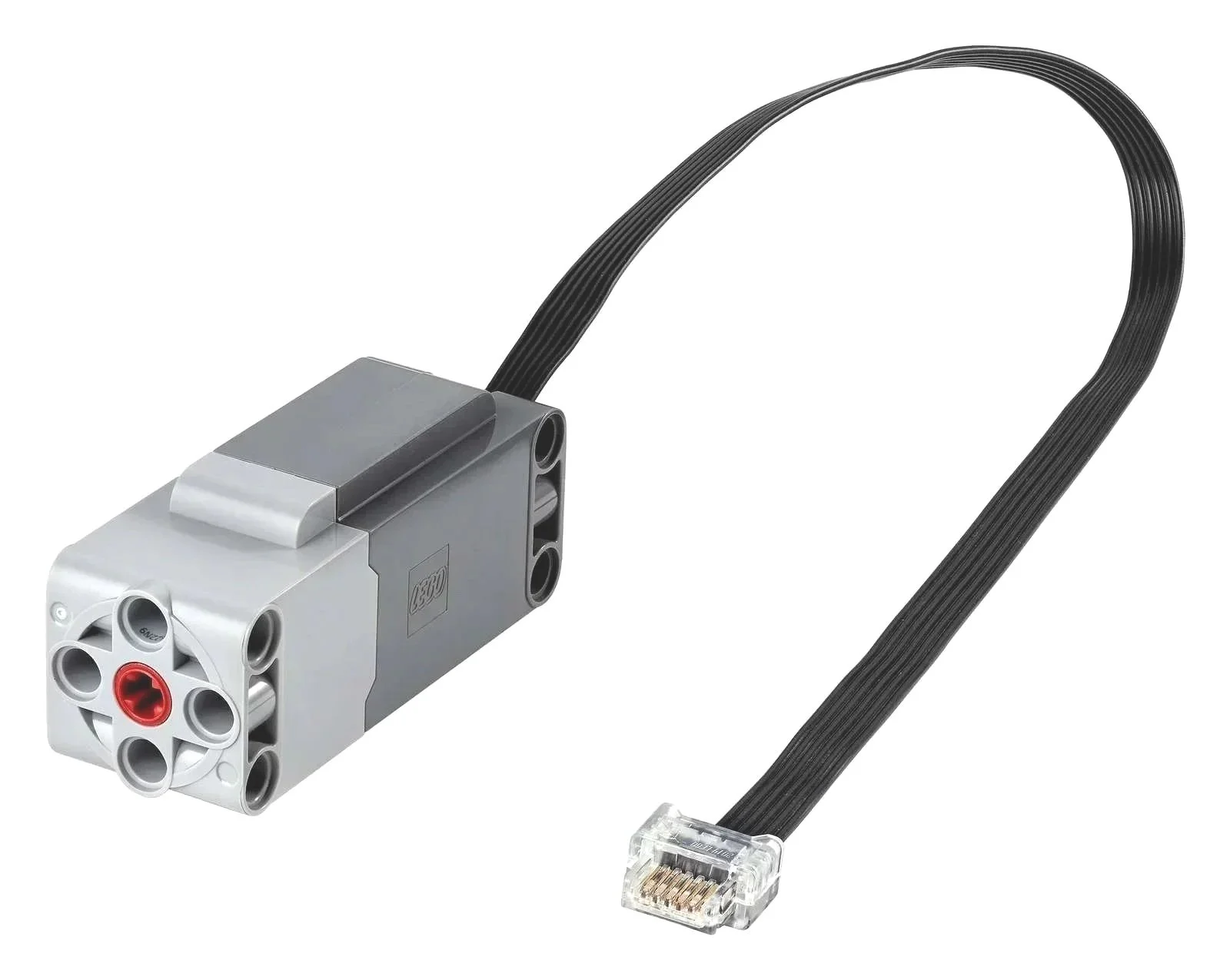
Technic™ Large Motor
How to order through LEGO Pick-a-Brick?
Pick-a-Brick Video Walkthrough:
3. Plug Adapter
The motor needs a wired plug adapter. Contact UCLA SpinLab to confirm supply, or use the STL files to fabricate the housing. A printed housing alone is not a complete wired adapter; obtain the connection instructions for your hardware.
Option 1: Order a printed adapter
Email Jon Aurnou <jona@epss.ucla.edu> with your info below
Option 2: 3D print your own
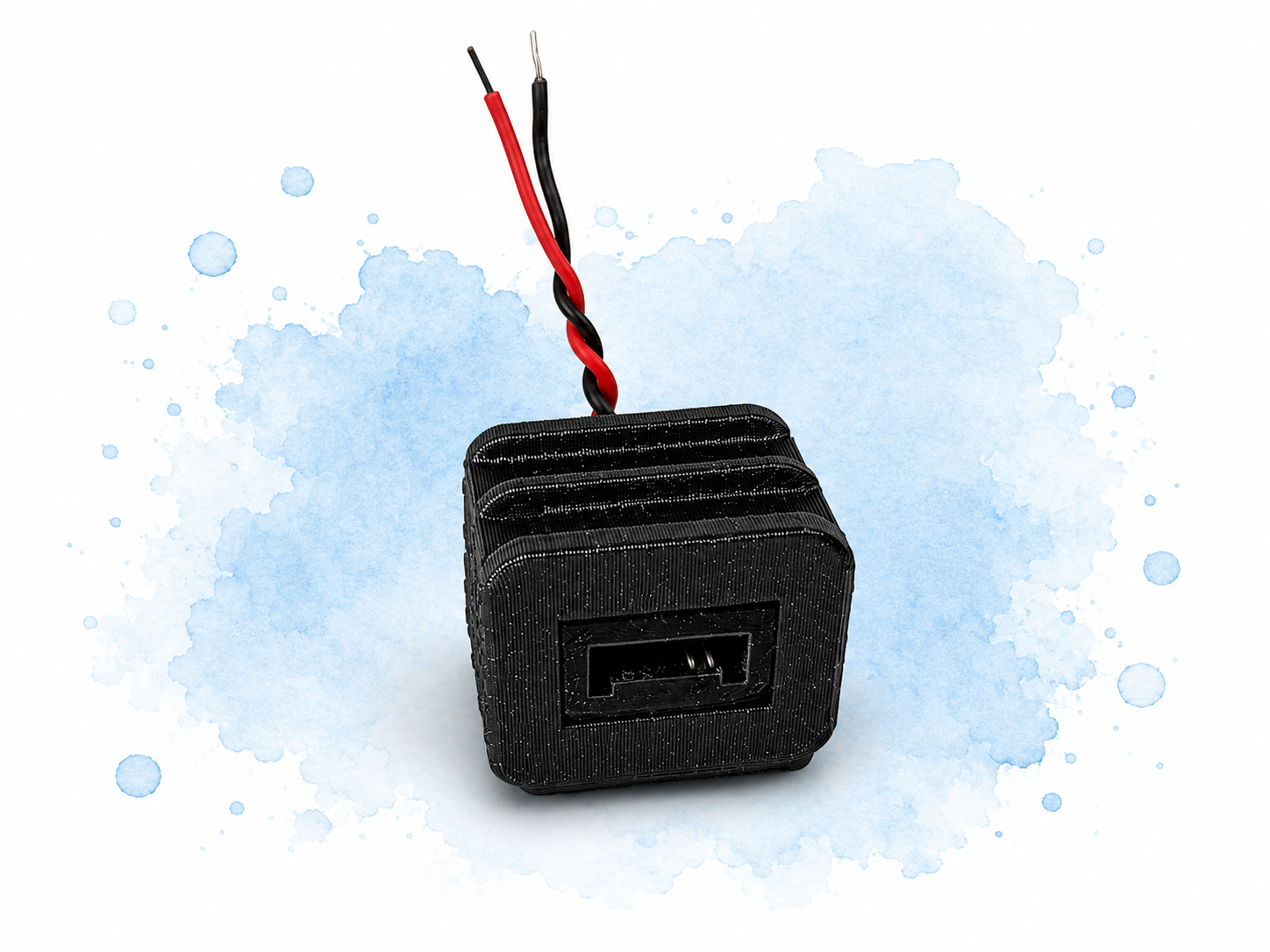
Or use the STL files to 3D print your own
4. Other Items
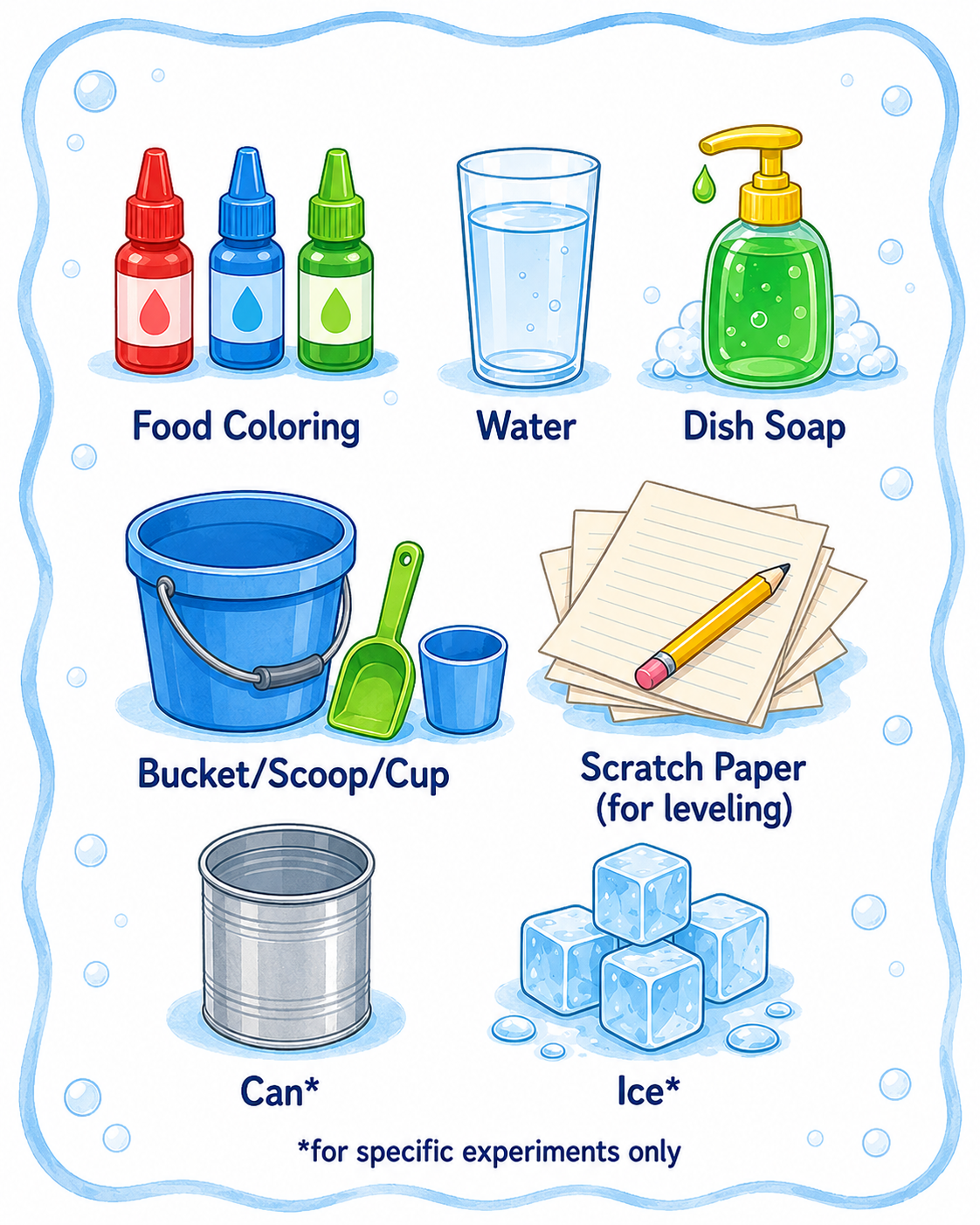
You may already have some of these items at home.
Food Coloring
Water
Dish Soap
Bucket/Scoop/Cup
Scratch Paper (for leveling)
Can*
Ice*
Small Weights (e.g., pennies)*
*for specific experiments only
Optional Supplies
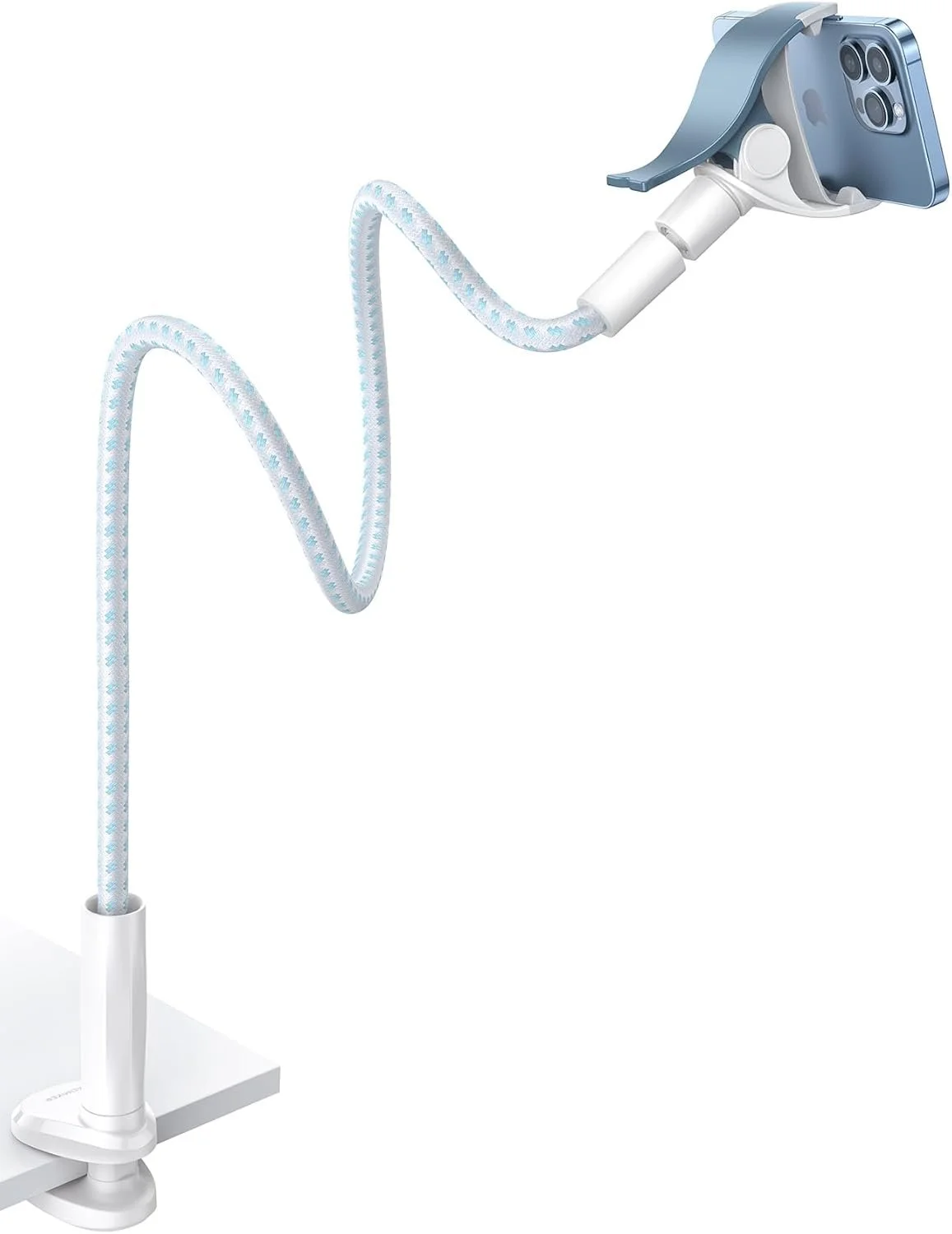
To record your experiment
or show it over Zoom
Gooseneck Phone/
Camera Mount
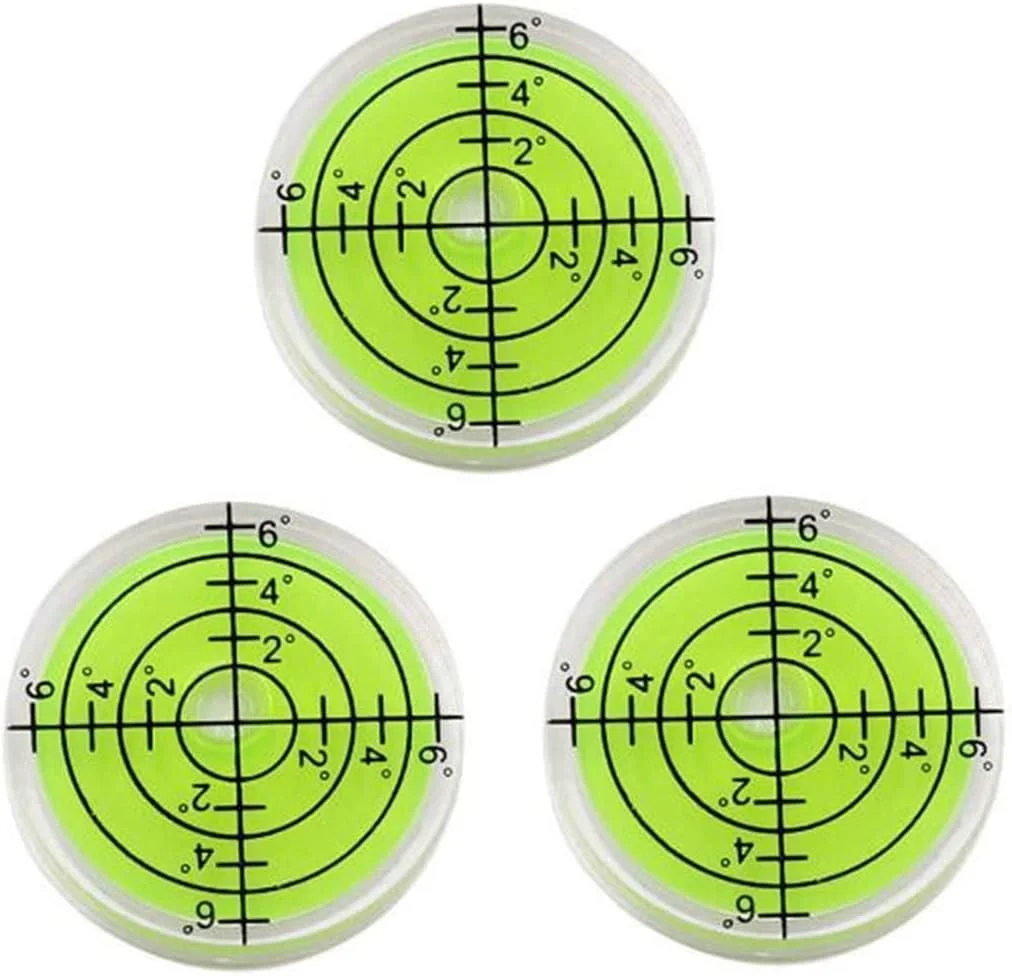
Make sure your tank is level
Bubble Level
Parts Summary
-
Tank
Turntable
Power
Zip-Ties
Hole-Punch
-
LEGO Pieces
Technic™ Motor
-
Water
Food Coloring
Dish Soap
-
Gooseneck Phone/Camera Mount
Bubble Level
Frequently Asked Questions
-
As soon as we can fabricate and ship it, typically 10-14 business days
-
3-5 business days
-
The purpose of this site is to provide instructions on how you can build your own DIY kit, but we are happy to meet with you over Zoom to discuss your own project
-
The purpose of this site is to provide instructions on how you can build your own DIY kit, but we are happy to meet with you over Zoom to discuss your own project
-
Not currently, but someday we would love this to be the case! The purpose of this site is to provide instructions on how you can build your own DIY kit, but we are happy to meet with you over Zoom to discuss your own project
-
Please reach out to us, we have some materials but are currently working on creating more curricula